Zoom filters not showing = no fun!
My young daughter likes to use Zoom to chat to her friend. They use the Zoom filters to amuse themselves, with hats, lighting, emojis and what have you. Much giggling ensues!
Recently I've been getting complaints from her that the filters aren't working. I checked, and they are enabled in the settings, and in the Zoom preferences they were showing up, but none of the filters were available to click on. There were similar issues with virtual backgrounds not working at one point too.
Trying to fix Zoom filters not showing
Now, of course the first things I tried were the obvious ones:
- Quit and restart Zoom
- Update Zoom
- Reboot the laptop (in this case an Apple MacBook Air)
Nothing worked. So I did the next obvious thing. I Googled.
I found several good articles with useful steps to try, but nothing worked, except that I noticed when testing that when I signed in as a different user on the laptop the filters worked fine. I thought at first maybe the user needed to be an admin, but changing that made no difference.
The missing fix
Then I noticed that my daughter wasn't signing in to Zoom, just typing in the meeting code and joining directly in the client.
I tested creating a free Zoom account for her, and lo and behold, the problem was solved.
Filters galore, and giggling can recommence!
Make sure you are logged in to Zoom with a free account
This is definitely new, but I couldn't see anything in Zoom's changelogs for the last few versions about restricting video filters to logged in users.
My cynical side assumes it's just a ploy to get more signed up users whose data can be used even if they never become paying customers. But maybe that's unfair and there's a good technical reason…
Anyway, if Zoom filters are not showing for you, make sure you're signed in to the Zoom app. When signed in it looks like this:
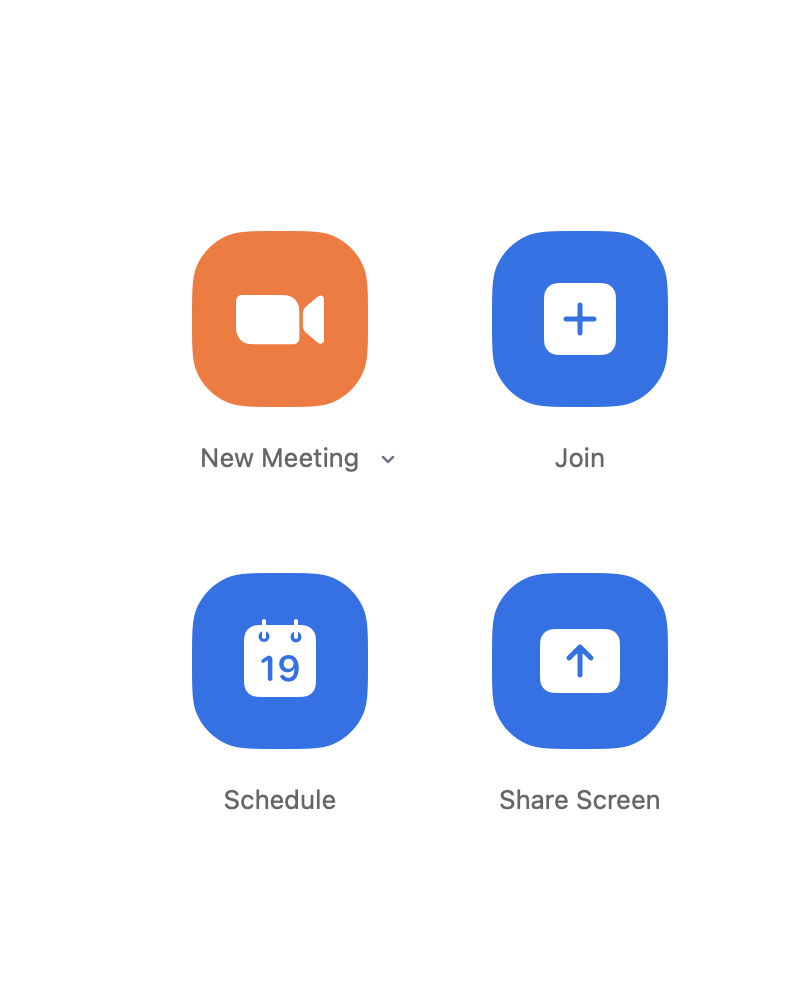
If you're not signed in, it looks like this:
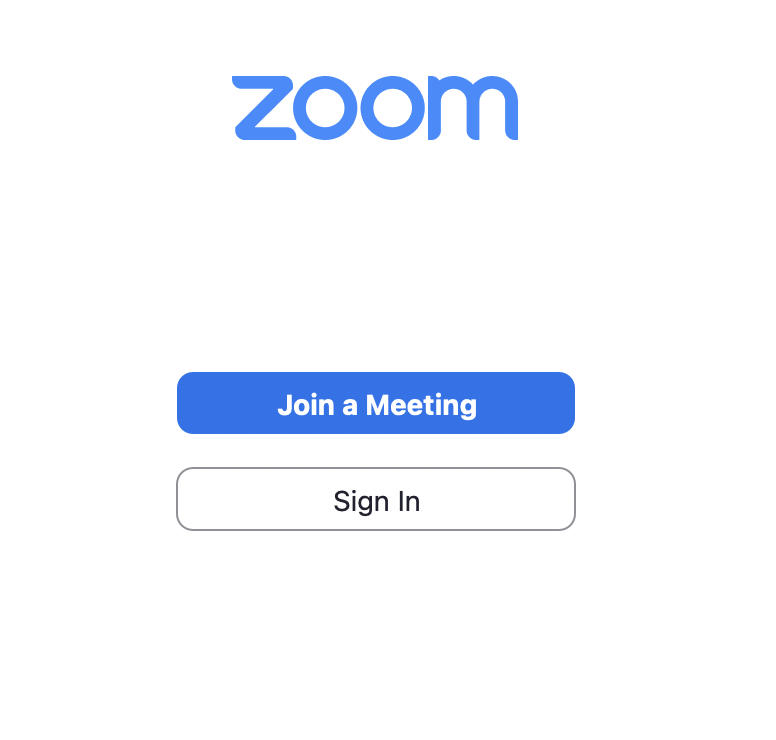
Hopefully that's helpful.
If you're reading this particular article you're probably not using Zoom for work (unless your team has mandatory berets and smiley face borders for all meetings?) but if you know anyone who could benefit from my services I'd appreciate you pointing them in my direction. Thank you!